
eBundle Grammar checker and Plagiarism
Price range: ₹293.00 through ₹2,250.00
eBundle Grammar check and Plagiarism brings together a grammar checker and plagiarism checker with tools for clearer English, sentence rewriting and flexible writing styles.
✅ Grammarly Pro, the Ultimate writing assistant! 🤖📝
✅ Web and Shared access-based,
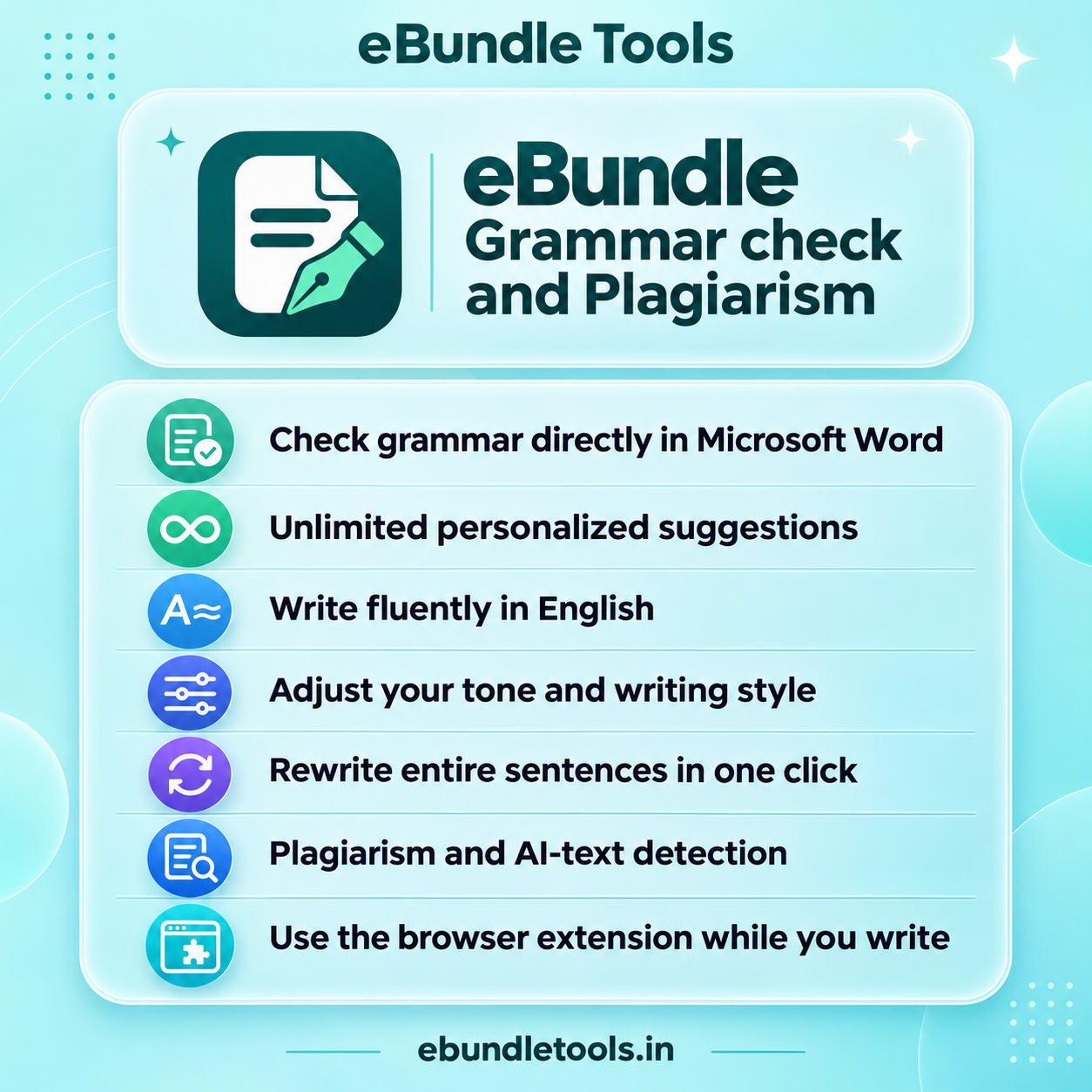
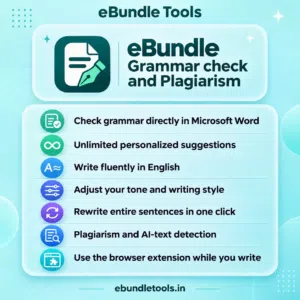
- Check grammar directly in Microsoft Word.
- Get unlimited Personalized writing suggestions.
- Improve fluency in English.
- Adjust your tone and writing style.
- Rewrite entire sentences in one click.
- Check for plagiarism and signs of AI-generated text.
- Use the browser extension while you write online.
✅ Premium Licence.
✅ Select your Desired Plan from Here 👇
A grammar checker and plagiarism checker for clearer writing
eBundle Grammar check and Plagiarism helps you review English writing, explore clearer wording and check text that needs a closer look. Bring grammar assistance, personalized suggestions, sentence rewriting and text checks into your everyday writing routine through the Microsoft Word connection and browser extension.
Whether you are preparing a report, drafting an email or editing an article, choose the suggestions that fit your message and keep control of your final wording.
Check grammar directly in Microsoft Word
Connect the tool to Microsoft Word to check grammar while working on your documents. Review suggested changes alongside the surrounding text, so you can decide whether an edit suits the sentence. It is a practical way to refine reports, proposals and other documents as you write.
Get unlimited personalized writing suggestions
Explore unlimited personalized suggestions as you develop and revise your writing. Consider alternative wording, review your phrasing and choose changes that make your ideas easier to understand. Keep the suggestions that help your message while preserving the details and terminology that matter.
Write more fluently in English
When a phrase feels awkward or a sentence is difficult to follow, use fluency suggestions to explore a more natural way to express your idea. Refine the flow of your English writing for everyday messages, longer documents and content you plan to publish.
Adjust your tone and writing style
Different readers and situations call for different ways of communicating. Adjust your tone and style to suit a professional email, a friendly message or an informative article. Review each suggestion in context and choose wording that reflects how you want to sound.
Rewrite entire sentences in one click
Try a complete sentence rewrite when your original wording needs a fresh approach. The one-click sentence rewriter offers an alternative to consider. Compare it with your original sentence, check that the meaning is right and keep the version that communicates your idea more clearly.
Check plagiarism and review AI-text indicators
Use plagiarism checking to identify text that may need closer source review. AI-text detection helps flag possible AI-generated writing for further examination. Review flagged passages and their context before drawing conclusions; treat AI-detection results as indicators rather than a definitive authorship verdict.
Use a browser extension while writing online
The browser extension gives you another way to access writing assistance while working online. Use it when composing and revising text in your browser, alongside the Microsoft Word connection for document-based work.
Writing support for everyday tasks
- Business communication: refine emails, proposals, reports and project updates.
- Content creation: review articles, website copy and other English content.
- Learning and practice: explore clearer phrasing and improve written English.
- Text review: examine passages flagged by plagiarism or AI-text checks.
Frequently asked questions
Can I check grammar in Microsoft Word?
Yes. The Microsoft Word connection lets you check grammar while working on your documents.
Can I use the tool in my browser?
Yes. A browser extension is available for writing assistance while you work online.
Can I rewrite a complete sentence?
Yes. Use the one-click sentence rewriting feature to explore an alternative, then review it against your original meaning.
Which feature is unlimited?
Unlimited use applies to personalized writing suggestions.
Does the product include both plagiarism checking and AI-text detection?
Yes. Both features are included. They serve different purposes, and their results should be reviewed in context.
Bring more clarity to your next draft with eBundle Grammar check and Plagiarism.
| Duration | 6 Month, 1 Year, 1 Month |
|---|
Related products

Advance 40+ Tools Bundle
Price range: ₹1,199.00 through ₹9,999.00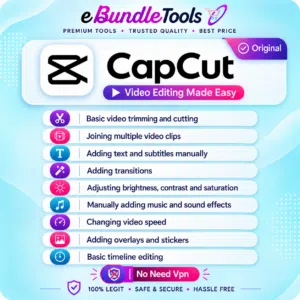
Capcut Premium Service
Original price was: ₹17,373.00.₹190.00Current price is: ₹190.00.
Envato Elements Unlimited Downloads Plan
Price range: ₹348.00 through ₹5,480.00
LinkedIn Premium Offer Link on Personal Mail ID
Price range: ₹3,999.00 through ₹6,500.00
Lite Tools Bundle
Price range: ₹599.00 through ₹4,999.00
Quillbot Premium
Price range: ₹287.00 through ₹2,350.00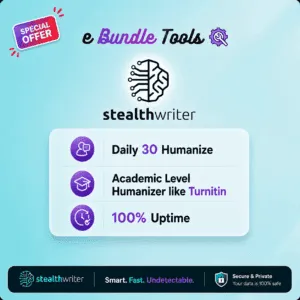
StealthWriter – Best Humanizer ( AI to Human Text Converter )
Original price was: ₹4,200.00.₹591.00Current price is: ₹591.00.
Reviews
There are no reviews yet.